
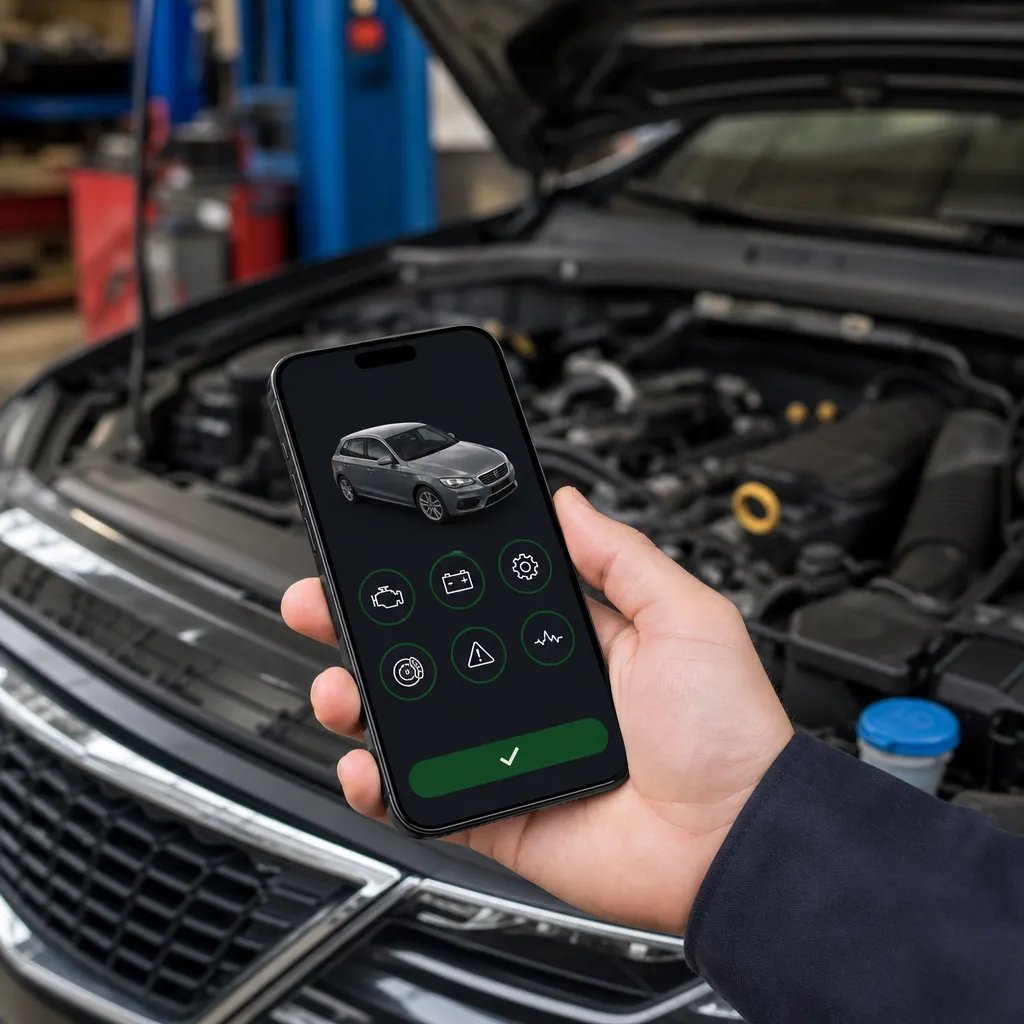
You have probably faced that red light on the dashboard of the car and did not know what it meant. There is a practical and affordable solution that you carry in your pocket: an application to check the health of the car directly on your iPhone. With this technology, you can diagnose problems before they become costly.

Car Scanner ELM OBD2
CAR SCANNER LLC
The automotive industry has advanced a lot, and today modern vehicles communicate their problems through sophisticated electronic systems.You no longer need to rely exclusively on a mechanic to understand what is happening with your car. Diagnostic applications for iPhone work as a mediator between the vehicle system and your smartphone, offering real-time information about the overall health of the automobile.
Myths About Vehicle Health Checking Apps
A common myth is that any app can diagnose car problems with the same accuracy as a professional device.The reality is different: there are significant variations in the quality and capacity of the apps available.Some apps only work with specific Bluetooth readers, while others offer limited functionality without access to full vehicle data.
Another widespread misconception is that these apps can fix problems automatically or provide magical solutions to any defect. In fact, the apps work only as diagnostic readers, offering information about what is wrong. Repair still depends on a qualified professional who interprets this information and performs the necessary repair. You will use the app to identify the problem, not to solve it.
Truths About Vehicle Diagnostic Technology
The truth is that iPhone applications can connect to the on-board computer of your vehicle through a Bluetooth OBD-II reader. This reader costs between thirty and two hundred reais, depending on the brand and features, and establishes direct communication with the electronic system of the car. Once connected, the app displays error codes, allows you to monitor sensors in real time and offers diagnostic history.
Another true aspect is the convenience that these tools offer in your day to day. You can check potential problems before a long trip, monitor engine performance, track oil level, cooling system temperature and more. Most modern apps work with most vehicles manufactured after 1996, when the OBD-II standard became mandatory in the United States and later in other countries. This wide coverage makes the technology accessible to virtually any car owner.
How App Connection Works with Your Vehicle
The process is surprisingly simple and straightforward.You get a compatible Bluetooth OBD-II reader and connect it to your car's diagnostic port, usually located under the dashboard, next to the brake pedal. After establishing the Bluetooth connection on your iPhone, the application can read the data transmitted by the vehicle's on-board computer. This system works on millions of cars around the world because it has standardized how vehicles communicate their problems.
Once connected, the app kicks in by reading the fault codes stored in the car system. These codes, known as DTCs (Diagnostic Trouble Codes), are interpreted by the application that offers a clear language explanation. You will see exactly which sensor is faulty, which system is failing or which component needs attention. The app also allows you to clear the codes after repair, confirming that the problem has actually been solved.
Features You Should Look for in an App
When choosing a car health check app for your iPhone, you should look for essential features that add real value. Error code reading is the foundation, but there are additional features that make a lot of difference.Search for apps that offer real-time code translation, organized diagnostic history, and the ability to monitor sensors simultaneously.Some apps also provide preventive maintenance recommendations based on the data collected.
Compatibility with different OBD-II readers is another crucial factor that you should not ignore. Not all apps work with any reader, so make sure the app you choose is compatible with the device you already own or plan to buy. User-friendly interface is equally important, as you need to quickly understand what the data means. A good app shows complex information visually and intuitively, with charts and indicators that make it easy to interpret.
Myths About Costs and Investment
Many people believe that investing in an OBD-II reader and a diagnostic app is economically unjustifiable compared to taking the car in a workshop. This is a rather harmful myth that prevents you from saving money in the long run. A single diagnosis at a dealership can cost between one hundred and three hundred dollars, while a good OBD-II reader costs a fraction of it. You recover the investment in the first or second use.
Another common misconception is that apps and readers are too expensive for the average owner.The reality is that the technology has become accessible and democratized in recent years.You find quality readers at much lower prices than you imagined, and many apps are free or cost less than twenty dollars.The initial investment is minimal compared to the expenses you will avoid when identifying problems preventively.
Truths About Diagnostic Accuracy
The undeniable truth is that these applications offer very accurate diagnostics when it comes to reading the data that the car computer provides. You will receive accurate information about what the electronic system is detecting. However, not every car problem generates an error code that the app manages to capture. Some mechanical problems may not be reflected in the electronic system, so you should not rely solely on this technology to diagnose everything.
A true and important aspect is that error codes do not necessarily indicate what exactly the required solution is. A code may mean that a sensor is malfunctioning, but it does not determine whether the sensor should be cleaned, repaired or replaced. You still need to consult a qualified mechanic to correctly interpret the information provided by the app and determine the best course of action. The app is a diagnostic tool, not a substitute for professional expertise.
Popular iPhone Apps You Should Know
There are several reputable apps available on the App Store that offer vehicular diagnostic functionality. Torque Lite is a very popular choice among car owners, offering code reading, real-time monitoring and an intuitive interface. DashCommand offers beautiful graphics and allows you to visually understand the performance of your vehicle. BlueDriver is known for excellent compatibility with different brands of OBD-II readers.
Each of these apps has its strengths and weaknesses, so you should consider which one best suits your specific needs. Some are more geared towards car enthusiasts who want detailed monitoring, while others are simpler and more straightforward for occasional owners.Many offer free versions with limited functionality, allowing you to test before making an investment.
How to Use the App for Preventive Maintenance
You can turn a simple code reader into a powerful preventive maintenance tool by regularly using the app on your iPhone. Establish a monthly or quarterly routine of checking by connecting the app to monitor the overall condition of the vehicle. Pay attention to patterns in the data, such as gradual changes in engine temperature or variations in oxygen sensors. Identifying worrying trends before they turn into bigger problems saves money and prevents unexpected breaks.
Another practical use is to historically document the performance of your car. You can keep records of the diagnoses made, creating an electronic portfolio of vehicular health. This documentation is especially valuable when you negotiate the sale of the car, as potential buyers appreciate knowing that the vehicle has been properly maintained.In addition, this history helps you and any mechanic to identify whether a problem is recurrent or new.
Myths About Security and Personal Data
There is legitimate concern between you and other owners about security when using applications that access electronic systems of the car. A widespread myth is that these apps can allow hackers to take control of the vehicle remotely through the iPhone. The truth is that most applications only work through a local and short-range Bluetooth connection, reading passive system data.There is no communication with external servers that could allow remote control.
Another common fear is about privacy of personal data collected by the app. The reality is that most serious apps work completely offline, storing data locally on your iPhone without transmitting information to external servers. You should always check the privacy policy before installing any app, but the main reputable options do not collect or share personal data about your location or driving habits. When using apps from trusted sources, your privacy is protected.
Truths About Compatibility with Different Car Brands
The consolidated truth is that practically every car manufactured from 1996 has an on-board computer compatible with the OBD-II standard. This means that you can use a diagnostic app on almost any modern vehicle that has, regardless of the brand, model or year. Fiat cars, Volkswagen, Ford, Chevrolet, Renault, Hyundai and virtually all brands circulating in Brazil work perfectly with this technology.
However, there is an important truth you need to know: some older vehicles may have variations in the way they report data or may present additional manufacturer-specific error codes.You will be able to read universal codes without problems, but some advanced diagnostics may be limited on older or rare vehicles.For most Brazilian owners, this limitation does not pose a significant practical problem.
Myths About Cost of Repairs After Diagnosis
A harmful myth circulating is that when using a diagnostic app, you will have to make expensive repairs immediately as soon as you identify a problem. Actually, identifying a problem is exactly the opposite of this. By detecting an error code early through the app, you have the chance to assess the situation without urgency, compare prices between different workshops and even try simple solutions before spending money. You gain valuable time that would not have if you ignored the problem until it became critical.
Another mistake is to believe that all error codes require immediate repairs. The truth is that some problems identified by the app are minor and can be monitored over time. A sensor slightly out of standards can work properly for months or years before actually impairing performance.You can prioritize which repairs are urgent and which can wait, saving money by not making unnecessary interventions.
Frequently Asked Questions About Vehicle Diagnostic Apps
Which OBD-II reader should I buy to use with my iPhone? You should look for OBD-II Bluetooth readers that are well rated and compatible with the app you choose to use. Famous brands like Viecar, Autoboss, Foxwell and XTOOL offer good options at affordable prices. Read user reviews and make sure there is support in English before making your purchase.
Can the app delete error codes by itself? Yes, most apps allow you to delete error codes, but this should be done only after confirmation that the problem has actually been repaired. Erasing codes without resolving the underlying issue will only mask the failure, which will continue to affect the performance of your car.
How long does it take to read a complete car diagnosis? A basic diagnosis using the app usually takes only a few minutes.You can get an initial result in less than five minutes, although more detailed diagnostics that monitor multiple sensors simultaneously can take a little longer.
Does the app work while I'm driving? Yes, many apps allow real-time monitoring while you drive. However, you should focus on driving and only check data when you are stopped. Some apps offer recording features that you can analyze once you reach your destination.
Is it possible to diagnose electrical problems with the app? The app can detect electrical problems affecting the on-board computer or sensors, but pure electrical problems that do not involve electronic sensors may not be visible.
How do I know if the OBD-II reader is working properly? A properly functioning reader connects to your iPhone via Bluetooth in a stable way and the app can read car information immediately. If the connection drops frequently or the app is unable to communicate with the vehicle, there may be problems with the reader or its compatibility.
Can I use the same reader and app in multiple cars? Absolutely, you can use the same OBD-II reader and the same app on multiple different vehicles. This makes the investment even more advantageous, especially if you own more than one car in the family.
Conclusion
Vehicle diagnostic technology on iPhone represents a significant change in how you care for your car. By understanding the difference between myths and truths about these apps, you can make informed decisions that save you money and time.A Bluetooth OBD-II reader coupled to a good app works like a portable doctor for your vehicle, offering valuable information that you can use for preventive maintenance and rapid diagnosis of problems.
The investment required is minimal compared to the benefits you get. A single visit to a dealership for diagnosis can cost more than a quality reader with a year of unlimited use. You become more empowered as a car owner, better understanding what is happening with your vehicle and making smarter choices about when and where to perform repairs. Let go of the myths, trust the truths confirmed by technology and start using these affordable tools to better care for your car today.


