
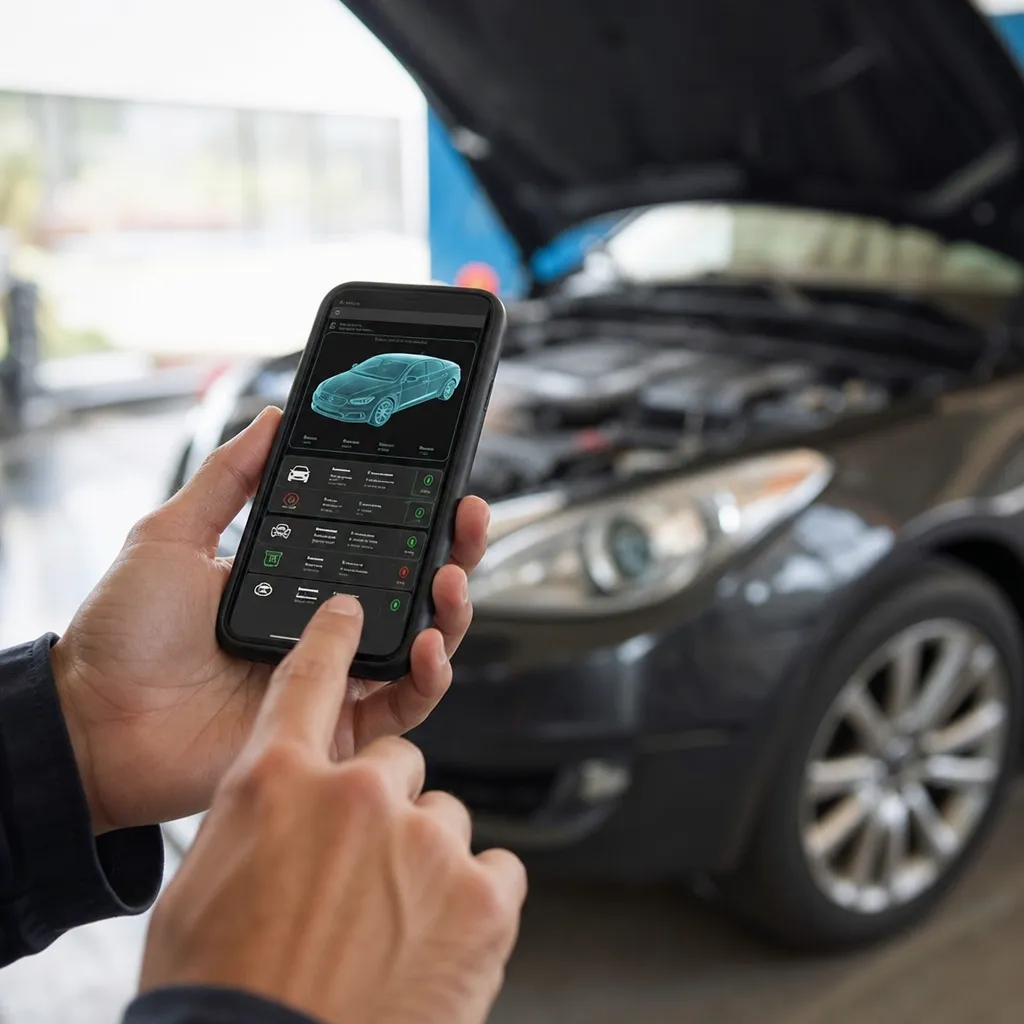
A car scanner app transforms how you assess the health of your vehicle. With the right technology, you can access detailed engine information, real-time diagnostics and maintenance history directly from your smartphone.

Car Scanner ELM OBD2
CAR SCANNER LLC
If you want to avoid expensive mechanical problems, save fuel and keep your car running smoothly, you need to know the best diagnostic tools available today. This article unravels everything you should know about these applications and how to choose the best one for your needs.
How a Car Scanner App Works
An application scanner uses the OBD-II (On-Board Diagnostics II) port present in virtually all modern vehicles produced after 1996. You connect a small Bluetooth adapter to this port, usually located under the steering wheel near the pedals, and the app communicates with the diagnostic system of your car. This process takes only a few seconds and provides access to data that was previously only obtained in workshops with expensive equipment.
The operation is based on standardized communication protocols that interpret the fault codes generated by the vehicle's computer. When any sensor or system does not work within the expected parameters, the car generates an error code that the app decodes and explains in clear language. You find out exactly what the problem is, its severity and if it poses a risk to continue driving or if you can wait for scheduled maintenance.
Technology Behind Automotive Scanners
Modern automotive scanner apps use artificial intelligence and machine learning to improve diagnostics over time. The more data the app collects, the better it can predict future problems and preemptively alert you.Many of them store complete histories in the cloud, allowing you to access detailed reports from anywhere in the world.
Bluetooth connection technology has evolved significantly, now offering much faster and more stable speeds than older versions. Modern OBD-II adapters can read multiple simultaneous parameters such as engine temperature, fuel pressure, rotation, O2 consumption and hundreds of other indicators. This wealth of data allows for much more accurate diagnosis and effective prevention of mechanical failures.
Practical Benefits of Using a Car Scanner
The first immediate benefit is money saving.You avoid unnecessary visits to the workshop and discover problems before they become expensive. When your car turns on the warning light on the dashboard, instead of panicking or spending valuable time looking for a mechanic, you simply open the app and find out exactly what is happening.Often, mild problems can wait or be solved with simple actions such as replacing the air filter or tightening a connection.
Another important benefit is greater safety when driving.You detect problems with the brake system, airbags, transmission or other critical components before they become dangerous. This offers peace of mind especially on long journeys or when the car is used intensively.In addition, you better understand the general condition of your vehicle, being able to plan maintenance in advance and not be surprised by unexpected failures.
Transparency in the relationship with mechanics is also a significant gain. When you arrive at the workshop with diagnosis in hand, the professional respects your knowledge more and can hardly charge for unnecessary services. You become a more informed customer and can negotiate better prices, in addition to ensuring that only the necessary service is performed.
Full Checklist: Choosing the Best App Scanner for Your Car
Before investing in an app scanner, you should check a number of important criteria to ensure that you are making the best choice. This detailed checklist helps you to evaluate each app properly and select the perfect tool for your specific needs.
Compatibility and Vehicle Support: Make sure the app supports your specific make and model of car, as well as the year of manufacture. Not all apps work with all vehicles, so this is a key check. Also check if the app keeps getting updates to add support for new models and technologies.
Interface Quality and Ease of Use: Look for an app with clean, intuitive and well-organized interface.Icons should be clear, colors well contrasted and the flow of logical navigation.You do not want to fight the app while trying to solve a problem in the car, so testability and user experience are crucial.
Accuracy and Detail of Diagnostics: The application must provide accurate diagnostics with clear explanations in English. Look for reviews from other users that confirm the accuracy of the readings. Quality applications explain not only the error code, but also what it means, what is the severity and recommended actions.
Additional and Premium Features: Check which features are available in the free versus paid version. Some premium features like read history, trend charts, or advanced alerts can justify the investment. Carefully read what each version offers to determine if it is worth upgrading.
Adapter Compatibility: Confirm that the app is compatible with the OBD-II adapters you own or intend to purchase. Not every app works with any adapter, so this check avoids unnecessary frustration and expense.
Cloud Storage and Backups: Evaluate whether the app offers cloud sync to protect your diagnostic history. Having your data accessible from any device brings convenience and security. Also check if there are data export options in formats such as PDF or Excel for your personal records.
Technical Support and Community: A good app should offer responsive customer support, via email, chat, or phone. Also check for an active community of users where you can share experiences and get answers. Apps with strong communities often have more frequent improvements based on user feedback.
Assessments and Reputation: Read reviews on multiple platforms, not just the official app store.Search for recent reviews that reflect the current version of the app.As well as whether the developer responds to negative comments and demonstrates commitment to solving reported issues.
Initial Cost and Business Model: Compare prices of apps and adapters on the market. Some work with any basic adapter, others require more expensive specific devices. Study the business model: monthly subscription, one-time purchase or freemium with optional premium elements.
Certifications and Compliance: Make sure your app has security certifications or compliance with international standards.This indicates that the developer follows proper data protection and software quality practices. Certified apps tend to be more reliable and secure for your device.
Updates and Active Maintenance: Look for the app's update history. A well-maintained app receives bug fixes and new features regularly. If the app hasn't been updated for many months, it may indicate abandoned development, which is a red light.
Initial Tests and Evaluation Period: If possible, test the app first with the free version or free trial period.Make sure you can connect to your car, get accurate readings, and the overall experience meets your expectations before investing financially.
Most Popular Scanner Apps in the Brazilian Market
Among the most used apps in Brazil, you can find options that vary in features and prices. Torque Pro is a classic choice that offers detailed reading of engine parameters, real-time graphics and support for various Bluetooth adapters. Many Brazilian users prefer this app by the established interface and the active community that constantly shares tips.
Another highlight is Car Scanner, a more modern application with a clean interface and detailed explanations of each fault code in Portuguese. This app has expanded significantly in Brazil and offers both free and premium version, allowing you to test before committing to a payment. The cost-benefit is usually attractive for users who want something simple and functional without unnecessary complexities.
OBD Auto Doctor combines diagnostics with maintenance history and preventive alerts based on usage patterns. This application is especially useful if you want more than just reading errors, seeking complete maintenance planning.The interface in Portuguese and the detailed explanations make it a popular choice among car owners in Brazil who take preventive maintenance seriously.
OBD-II Adapters: Which to Choose
The quality of the OBD-II adapter is just as important as that of the app, as a bad adapter compromises the whole experience. You find options ranging from simple basic models to more sophisticated devices with various additional features. The adapter needs to have good Bluetooth connection stability, fast data reading and proven compatibility with your specific car.
Adapters with MFi certification or similar indicate that they have undergone more rigorous quality tests. Established brands often offer better durability and technical support if something goes wrong. Look for adapters that offer a warranty of at least six months, indicating manufacturer confidence in the product. Also check that the adapter has overvoltage protection and turns off automatically to save your car battery.
Some adapters come with extra features like video data logging, GPS synchronization, or fuel consumption histograms. While these can be useful, you should evaluate whether they are really worth the additional cost for your specific use. A basic, reliable adapter is often better than a sophisticated model that has connectivity or compatibility issues.
Scanner Preparation and Correct Use
Before using the scanner app for the first time, you need to gather the necessary equipment and prepare your smartphone. Make sure you have installed the app, downloaded the corresponding OBD-II adapter, and read the basic documentation. Test the Bluetooth connection in a safe environment like your home before using the app while driving.
When connecting the adapter to the OBD-II port of your car, you must turn off the engine first and correctly locate the port. It usually sits underneath the instrument panel to the left of the steering wheel, but its exact location varies depending on the model. Consult your vehicle manual if you cannot find it easily. After connecting the adapter, turn on the ignition without starting the engine for the diagnostic system to activate.
Open the app and wait for the Bluetooth connection to be established, a process that usually takes 5 to 10 seconds. Once connected, the app will automatically read the fault codes present in the system. For real-time readings of parameters, you can leave the engine running or even driving, but it is recommended to have the app installed on a stand to avoid distractions.
Whenever you finish using the scanner, disconnect the adapter from the OBD-II port to avoid unnecessary battery drain. Close the app completely and erase the Bluetooth connection from your smartphone.Many users leave adapters permanently connected, which can significantly reduce the battery life of the car over the months.
Interpreting Data and Failure Codes
The fault codes in the scanner app follow an international standard. Codes starting with P refer to the engine and transmission, while codes starting with B, C or U relate to body systems, chassis and communication networks respectively. Understanding this basic classification helps you assess the severity of the problem encountered. A P0101 code referring to airflow is less critical than a P0500 that indicates failure in the speed sensor.
Within each category, the second digit indicates whether the fault is generic applicable to all cars (0) or manufacturer-specific (1-9). This matters when researching solutions, as generic faults often have abundant information online while specific faults may require consultation of the exact model manual. The scanner app must decode this automatically, but understanding the structure allows questioning dubious diagnoses with knowledge.
Some codes indicate critical issues that prevent driving safely, while others represent only reduced power or efficiency. The app usually rates severity, but you can search the specific code to better understand.Many specialized websites and communities provide detailed explanations of each code and recommendations for action for specific cars.
Preventive Maintenance Through Scanner
One of the biggest values of an app scanner is to allow preventive maintenance before problems develop into costly failures. You can regularly monitor critical parameters such as engine temperature, fuel pressure and oxygen sensor reading to detect gradual deterioration.When you notice that a sensor is displaying readings outside the expected range, you can preemptively replace it before it generates a complete fault code.
Many scanner apps include customizable alerting features that notify you when specific parameters leave healthy limits. This proactive approach saves significant money over the life of the vehicle. For example, monitoring air filter cleanliness can alert you to replacement before the engine experiences power loss or increased consumption. Similarly, tracking engine temperature prevents overheating that causes serious damage.
During long journeys, taking periodic scanner readings provides peace of mind and hard data on the state of your vehicle. If you plan to travel to a remote region, a full scan days before using the app gives you confidence that your car is fit for the journey. This peace of mind has practical value when avoiding emergency situations in places where repairs are difficult to obtain.
Limitations of Scanner Apps You Should Know
Despite its significant benefits, scanner apps have limitations that you need to understand. Not all mechanical problems generate fault codes that the app can read. Problems that do not activate specific sensors, such as gradual wear of brake pads or deteriorated oil, will not appear in the diagnosis. The scanner app is excellent for electronic and computer problems, but insufficient for full diagnosis of mechanical wear.
Another important limitation is that scanner apps do not replace the knowledge of an experienced mechanic. A fault code may indicate the symptom, not necessarily the root cause of the problem. For example, an incorrect airflow code may result from a dirty sensor, loose connection, leak, or actually from a faulty sensor. The app cannot differentiate between these different causes, so you still need technical judgment for correct repair.
Lower quality adapters or incompatibility between app and adapter can generate inaccurate or false readings. If the app recommends a service that seems unnecessary, seek second opinion. Many problems can have multiple possible causes, and not always the most obvious for the app is the right one for your specific vehicle. Use the app as an informational tool, not as a substitute for professional diagnosis in complex cases.
Practical Tips to Maximize Scanner Use
To get the most out of your app scanner, develop a habit of taking regular readings even when there are no apparent issues. Establish a monthly calendar or before important trips to check the overall state.This data history allows you to identify emerging trends and issues before they become critical. Apps that sync with cloud facilitate this continuous monitoring.
Keep a personal record of the fault codes that appear, when they appeared, and what actions were taken. This history is valuable if you need to explain the history of the car for future sale or to identify recurring patterns.If a specific code comes back repeatedly after repair, it suggests that the problem has not been solved at the root or that the installed part is of questionable quality.
Participate in online communities of users of your specific scanner app and car model. These communities share experiences on common problems and effective solutions.Often, other owners have already faced the same fault code and can offer valuable insights on which workshop solved the problem or which part to use. This exchange of experiences saves research time and avoids costly errors.
Whenever you take the car to workshop, ask the mechanic to connect your scanner after service to confirm that the fault code has been effectively solved.Some repairs just mask the symptom without solving the cause, then this post-service check ensures quality of work.If the code reappears quickly, the problem has not been corrected properly and you are entitled to claim.
Protecting Your Data by Using Automotive Scanners
Scanner apps that store data in the cloud collect information about your driving habits, frequent routes, and mechanical state of your vehicle. You should understand the app's privacy policy before using versions that sync with servers. Some apps sell aggregated user data to insurance companies or car manufacturers, potentially impacting your insurance rates.
To protect your privacy, choose apps that offer local sync options only or that allow you to disable data sending. Carefully read the terms of service and privacy policy before granting permissions.Many apps ask for unnecessary access to contacts, camera, or photo gallery, which is unnecessary to function properly.
Keep your smartphone and app scanner up to date to receive important security patches. Use strong passwords on any account created in the app scanner and enable two-factor authentication when available. If you sync data in the cloud, periodically check that only information you want is being sent to the developer's servers.


