
Have you ever stopped before a warning light on the dashboard of your car and felt that cold in the spine? Most drivers postpone going to the mechanic just because they do not know what is really wrong. With the technology available today, diagnosing vehicle problems by the smartphone has become accessible, practical and reliable for anyone.

Car Scanner ELM OBD2
CAR SCANNER LLC
This change represents a real revolution in the way we take care of our vehicles. You no longer need to rely on guesswork from the mechanic or pay expensive queries just to find out what is happening with your car. Your vehicle data is literally at your fingertips, and in this article you will learn how to access and interpret them with confidence.
How automotive diagnostics by smartphone works
The technology that allows the diagnosis of vehicle failures by the smartphone is based on OBD-II, a standardized protocol installed on virtually all cars manufactured after 1996. This system continuously monitors the operation of the engine, transmission, emissions and other components, storing information about any anomaly detected. When something goes out of the ordinary, the vehicle computer records a specific fault code that you can recover.
To access this information, you need a Bluetooth adapter that connects to the OBD-II port of your car, usually located below the instrument panel. This adapter acts as a bridge between the vehicle system and your smartphone, transmitting the data in real time through a dedicated application. The process is simple: you connect the adapter, open the application on the mobile phone and in a few seconds have access to all the fault codes stored on the car computer.
Step by step for practical diagnosis in your vehicle
Getting started is easier than you might think. First, get a Bluetooth OBD-II reader compatible with your smartphone, noting if it is suitable for your device's operating system, whether iOS or Android. These adapters cost between fifty and two hundred dollars, depending on the brand and features. Keep well the location of your car's OBD-II port by consulting your owner's manual or looking under the left instrument panel.
With the adapter in hand, download a reliable vehicle diagnostic application in your phone's store. There are free and paid options, each with different levels of detail and functionality. Turn on the car (without necessarily starting) and insert the adapter completely into the OBD-II port until you feel a small click. Open the application, select your vehicle and look for the option to pair the Bluetooth device following the on-screen instructions.
After the connection is established, you will have immediate access to the fault codes present in the system. The application will automatically translate these codes into understandable language, explaining what the problem is clearly. You will also be able to view real-time data such as engine temperature, rotation, fuel consumption and hundreds of other parameters. This detailed information allows you to have a deep understanding of what is happening with your car.
Interpreting fault codes accurately
Each fault code in the OBD-II system follows an international standard that starts with a letter followed by four digits, such as P0300 or C0456. The first letter indicates the fault category: P for engine problems, C for transmission, B for bodywork and U for network problems. Understanding this structure helps you assess the severity of the situation before even consulting the detailed explanation in the application.
Codes starting with P are the most common and usually indicate engine or emissions system problems. A code like P0171 means the air-fuel mixture is very poor, while P0128 indicates that the thermostat may be stuck. Codes usually point to more serious transmission problems and require immediate attention from the mechanic. Already the B and U codes are less frequent but equally important, indicating failures in the safety sensors or vehicle communication systems.
Critical faults, indicated by red lights on the dashboard, require immediate vehicle stop and emergency care. Yellow warnings, represented by the check engine light, usually indicate problems that need to be resolved soon but do not pose immediate risk. When diagnosing by the smartphone, you quickly identify which category each code belongs to, allowing you to make informed decisions about how to proceed.
Real scenarios: how companies like Frutnix use this technology
Logistics and transportation companies like Frutnix, which operate fleets of vehicles for fast deliveries, rely crucially on this remote diagnostic technology.By using monitoring systems connected to OBD-II adapters, fleet managers are able to track the health of each vehicle in real time, avoiding unexpected breaks that cost thousands in lost productivity.When a sensor reports an an anomaly, the app alerts the operator before the driver even notices any problems.
A practical case in Frutnix's routine occurs when a delivery vehicle presents a P0420 code indicating failure in the catalytic converter. The fleet manager, monitoring all vehicles by the smartphone, identifies the problem immediately and schedules preventive maintenance in a period of low demand. This prevents the car from breaking during a peak delivery time, keeping the operating system and customers satisfied. Without this remote diagnostic capability, the company would lose valuable hours just trying to identify what was wrong.
Another common scenario involves autonomous drivers using the technology to monitor their own vehicles. A Frutnix driver who works on his own can use the same app to check if his car is in optimal condition before accepting deliveries.If the diagnosis shows that the electrical system is compromised, the driver can postpone his appointments and take the vehicle to the mechanic, avoiding failures that result in lost deliveries and shaken reputation.
Car rental companies also benefit enormously from this technology. By returning a rental vehicle, the next customer can immediately run a full diagnostic to ensure that there are no hidden problems. This increases the trust between rental company and customer, reducing discussions about preexisting damage. Frutnix, operating its own mobility service in some regions, uses this system precisely to ensure that each vehicle is in perfect condition before being made available.
Advantages you get when diagnosing by smartphone
The main advantage is the saving of money.You stop paying expensive diagnostics in mechanical workshops that charge between fifty-two hundred reais just to connect a scanner and read the codes.With your own OBD-II adapter, you do it as often as you want at no additional cost. In addition, by knowing exactly what the problem is before going to the mechanic, you prevent him from coveting unnecessary repairs or aggressive selling techniques based on lack of customer knowledge.
The second big advantage is safety. Diagnosing vehicle problems by the smartphone allows you to identify serious faults before they turn into dangerous situations on the road. A faulty oxygen sensor can be fixed quickly, preventing progressive damage to the catalytic converter. A weak battery detected early prevents you from getting stuck on a deserted road with the car flashing. Information is power, and in this case, information protects you.
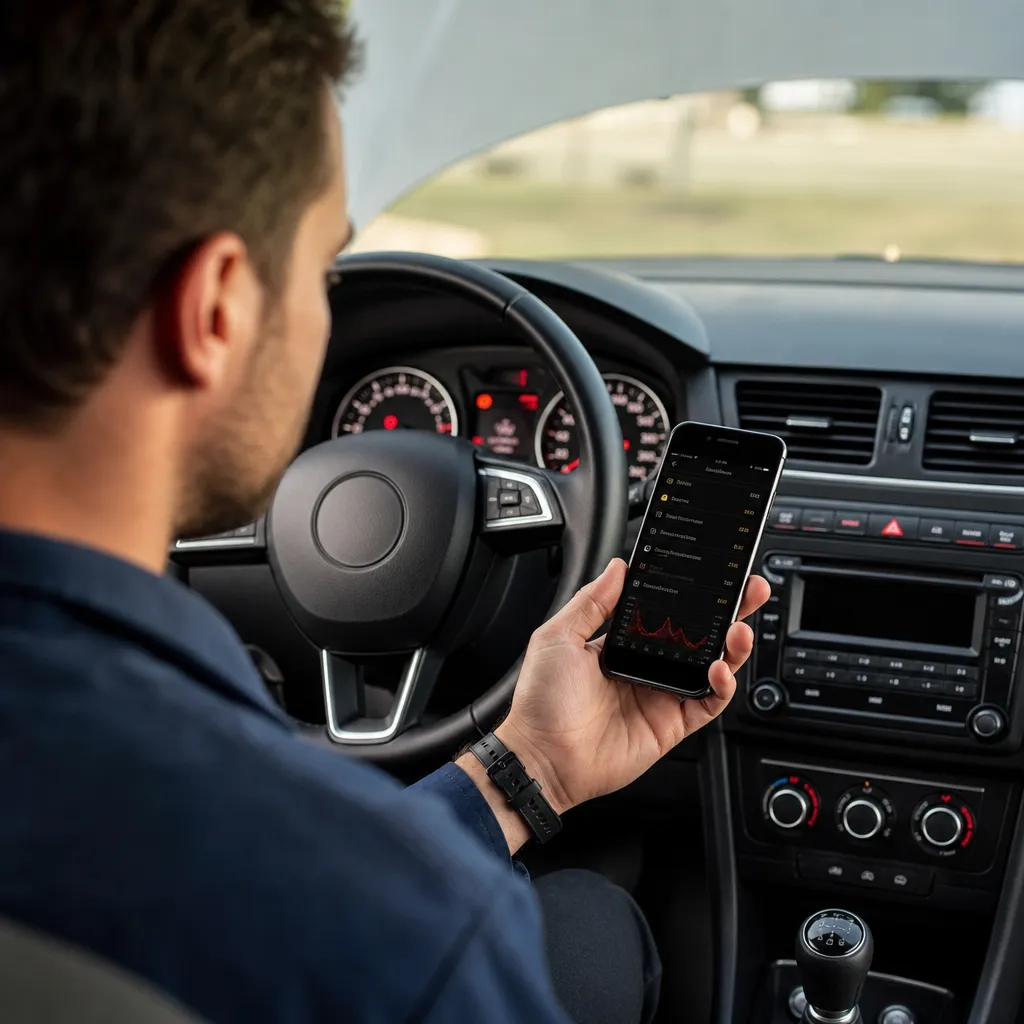
The third advantage is convenience and empowerment. You no longer need to schedule, commute or wait for the availability of the mechanic just to find out what the problem is. You do it in your time, at your pace, in the comfort of your car or even while parking. This democratization of technical knowledge turns you from a passive consumer into an informed decision maker about maintaining your vehicle.
Important limitations you need to know
Although powerful, OBD-II technology has real limitations that you must understand. The system can only read faults registered on the car computer, which means that pure mechanical problems such as wear of brake pads or worn distribution chain may not generate fault codes. In such cases, you still need visual inspection by an experienced mechanic. Diagnosis by the smartphone is a complementary tool, not a complete substitute for professional technical knowledge.
Another important limitation is that different applications can interpret the same code in slightly different ways. An application may indicate that P0301 means cylinder one with incomplete combustion, while another may suggest several possible causes. This is because a single code can have multiple root causes, and sometimes deep analysis is needed to identify which one is the real culprit.For this advanced analysis, a good mechanic with more sophisticated diagnostic equipment is still needed.
Also consider that not all OBD-II adapters work with all applications and vehicles. Very old cars, prior to 1996, do not have standard OBD-II port. Very new cars, especially premium brands, may have proprietary protocols that are not completely accessible through the standard OBD-II. Before investing in an adapter, research whether it is compatible with your specific model by consulting the manufacturer's documentation or user communities of the same car.
Choosing the best application and adapter for your needs
When choosing an app, consider your specific goals. If you just want to read fault codes occasionally, a free app like Torque Lite or Car Maint is more than enough. If you want continuous monitoring, detailed history, and advanced features like data recording and custom logs, invest in premium versions like Torque Pro or ScanMaster.Each app has different interface and features, so it's worth trying a few before deciding which one to buy.
As for adapters, there are three main types: basic adapters that only read codes, intermediate adapters that offer multiple communication protocols, and advanced adapters with features such as code cleaning and specialized testing. For home use, a reliable brand basic adapter such as Vgate, STN or Konnwei is generally suitable. For professional use in workshops or fleets such as Frutnix uses, more robust adapters with greater compatibility are required. Always check user ratings and compatibility with your car before purchasing.
FAQ ^ DFrequent questions answered
Question: Diagnosis by smartphone completely replaces the trip to the mechanic? Answer: No. The diagnosis serves as a screening tool and understanding of the problem, but many situations still require physical inspection and professional analysis. Use it to avoid unnecessary expenses, not as a substitute for mechanical expertise.
Question: Can I clear fault codes by smartphone to disappear the warning? Answer: Technically you can, but this is extremely inadvisable. Clearing a code without solving the underlying problem will result in its return soon, wasting time and may mask serious problems that worsen.
Question: What is the cost-benefit of the investment in adapter and application? Answer: A good adapter costs between fifty-two hundred reais, and paid applications between twenty-fifty reais. Considering that a code reading in workshop costs fifty to two hundred reais, you recover the investment after two to five diagnoses. If you diagnose your car regularly, you recover the investment quickly.
Question: Is it safe to leave an OBD-II adapter permanently connected in the car? Answer: Yes, it is completely safe. The adapter only reads data, does not interfere with the operation of the vehicle.Many fleets like Frutnix keep adapters permanently connected for continuous monitoring without any risk to the car.
Question: How do I know if the code I received is really serious? Answer: Codes started with P belong to the engine, C to the transmission, B to the bodywork and U to the network. Within each category, specific codes have different severities. The application usually indicates the severity, but when in doubt, consult a mechanic. Failures accompanied by red light require immediate stop; yellow light allows you to drive carefully until repair.
Question: Does it work on hybrid and electric cars? Answer: Yes, modern hybrid and electric cars have OBD-II port and compatibility with most readers. However, some codes and parameters are specific to these vehicle types, so choose applications that explicitly support these systems.
Conclusion
Diagnosing vehicle failures by smartphone has transformed the way you interact with your car and its maintenance.Failing to rely solely on mechanics to understand basic problems is a fundamental change that puts you in control. With a minimal investment in an OBD-II adapter and a suitable application, you gain access to information that was previously restricted only to professionals.
The reality is that this technology is already transforming entire companies like Frutnix, which rely on fast and accurate diagnostics to keep fleet operations running smoothly.If logistics corporations use this same technology to save hundreds of thousands on unexpected stops, imagine what you can save and gain safely by applying the same knowledge to your personal car.
Do not let the next warning light on the dashboard of your car be a scary mystery. Take the actions now: search OBD-II adapters compatible with your model, choose an application that meets your needs and start exploring the data of your vehicle. You will find that many problems are smaller than you imagined, savings will be significant, and your confidence when driving will increase considerably. The future of automotive diagnostics is democratic and affordable, and it is available right now in your pocket.


