
Have you ever faced problems with your vehicle and did not know exactly what the error was? An automotive scanner app is the solution that many owners seek to diagnose problems before taking the car to the mechanic.However, using this tool incorrectly can lead you to wrong conclusions and unnecessary expenses.

Car Scanner ELM OBD2
CAR SCANNER LLC
This practical step-by-step guide is designed to help you avoid the most common mistakes when using automotive diagnostic applications and ensure that you correctly interpret the error codes generated by your vehicle. You will discover how these applications work, what are the most frequent pitfalls and how to extract as much useful information from the technology available in the palms of your hands.
How an Automotive Scanner App Works
An automotive scanner app connects to your car's diagnostic system via a Bluetooth or USB device that attaches to the OBD-II port, present in virtually all vehicles manufactured after 1996. This physical device acts as an intermediary between your vehicle's on-board computer and the application installed on your smartphone or tablet. The app then reads the data stored in the electronic system and translates them into understandable information for the average user.
The OBD-II port constantly communicates with the sensors distributed by the vehicle, monitoring aspects such as engine temperature, fuel pressure, spark plug operation and emissions system efficiency. When something goes out of the expected standard, the on-board computer records a fault code and turns on the famous engine check light on the dashboard. The automotive scanner captures exactly these codes and provides data on what they mean.
The Most Common Mistakes When Using Automotive Scanner
The first mistake you can make is to assume that a fault code always points to a single specific problem. In reality, different issues can generate the same code, making the diagnosis more complex than it seems at first glance. For example, the code P0301 (cylinder 1 disabled) can be caused by a faulty spark plug, a clogged fuel injector, compression problems or even a failed ignition coil.
A second frequent misconception is to confuse pending codes with permanent stored codes.Pending codes arise when the system detects an anomaly, but is still monitoring the situation and deciding whether it is a genuine fault or an isolated event.Permanent codes mean that the problem has been confirmed and registered multiple times. You can delete a pending code easily, but if it returns after a few miles of driving, it indicates a real problem that needs professional attention.
Ignoring live data is another critical error that many users make. An automotive scanner app offers much more than just fault codes, including real-time readings such as engine RPM, operating temperature, fuel pressure, and engine load percentage. Analyzing this data while the car is running offers valuable clues about the overall state of the system. If you notice that the temperature rises abnormally or that RPM fluctuates when it should be stable, this information is as important as any code displayed.
Errors of Fault Code Interpretation
Not every code that appears in your automotive scanner app requires an immediate visit to the mechanic, and this is an important learning you need to do. Some codes indicate minor issues that can be monitored for a while, while others are symptoms of crashes that can damage expensive components if not resolved quickly.
Codes related to the emissions system, for example, often indicate problems that may be operational for some time, although you should avoid driving long distances without professional verification. The code P0420 (inefficient catalytic converter) is common in older vehicles and can mean from a genuinely damaged converter to a faulty oxygen sensor that produces incorrect readings.
On the other hand, codes such as P0300 (random cylinder failure) or P0316 (problem detected in the start cycle) deserve immediate attention because they indicate instability in combustion, which can lead to greater engine damage if ignored. You will typically notice a drop in performance, difficulty accelerating or the car shaking during operation. In this scenario, you should minimize steering and plan professional maintenance without delay.
Practical Steps to Properly Use Automotive Scanner
Start by writing down all the codes that appear in your automotive scanner app and recording the date and mileage when they were detected. This creates a valuable history that helps you and the mechanic understand if the problem is new or if it has been developing for a long time. You will also notice patterns, such as a code appearing only on cold days or just after long driving distances.
Then, consult multiple sources to understand the meaning of the codes found, not just the summary provided by the app. Different manufacturers can interpret or describe the same code in slightly different ways, and additional information helps you make better decisions. You will find more detailed explanations in forums of owners of your specific car model or in specialized databases.
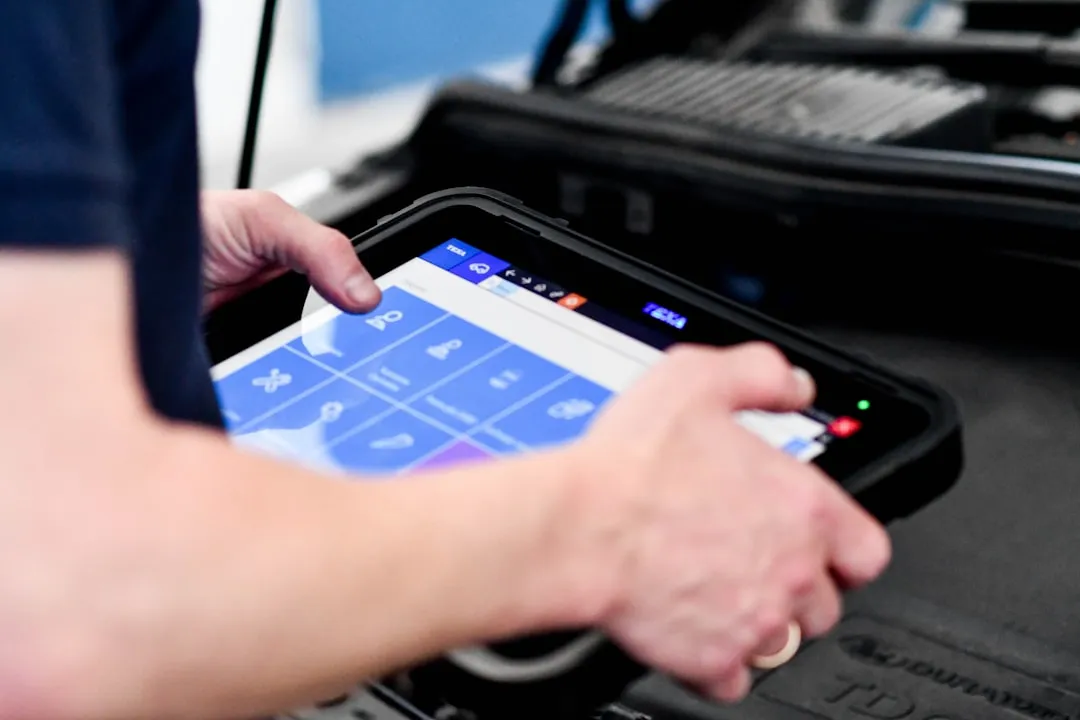
Check the data live while the engine is running and compare with the normal patterns for your vehicle. If you do not know what these patterns are, look for the owner's manual or consult someone with experience in the same make and model that you own. You should pay special attention to readings that constantly fluctuate or that deviate significantly from the expected values, as these abnormal variations often indicate the sensor or component that is failing.
Always drive carefully after discovering a fault code through your car scanner app and watch how the vehicle behaves. You should notice patterns in symptoms such as when the fault occurs, under what conditions it is most pronounced and whether it affects driving safety. For example, if a brake system code appears only when you brake smoothly at low speed but not during normal braking, this suggests a dirty sensor rather than a failure in the full braking system.
Important Limitations You Should Know
An automotive scanner app offers valuable diagnostics, but it does not replace the experience and equipment of a qualified mechanic.The tool captures data from the on-board computer, but interpreting them correctly requires deep technical knowledge about automotive systems.You can have access to the right information without having the expertise to turn it into an accurate diagnosis and an effective solution.
Different car models and different years of manufacture have significant variations in how their systems work and what the normal values are expected for each sensor. A value that is perfectly normal for a 2010 car may indicate a failure in a 2020 car, and you can easily reach wrong conclusions without this specialization.
Also, not all fault codes can be read by basic automotive scanners or most of the available apps.Manufacturer-specific codes, intermittent problems that do not recur while reading, and glitches in auxiliary systems can go unnoticed by a regular automotive scanner app.
When to Search for Professional Help Beyond the Scanner
If you discover a fault code through your automotive scanner app and the car has clear physical symptoms such as smoke, leaks, abnormal noises or loss of performance, look for a mechanic immediately.You should not rely only on digital readings when the behavior of the vehicle indicates a serious problem, as professional diagnosis can reveal damage that has not yet triggered warning codes.
Codes that return frequently even after cleaning indicate a persistent problem that deserves detailed professional investigation. If you delete the code and it reappears after a few miles of driving, the problem is real and not solved. You must accept that this situation is beyond what an automotive scanner app can solve alone and that a practical and physical evaluation of the system is necessary.
Vehicle safety related issues should never be diagnosed only through an automotive scanner app. Brake system, steering, airbags or suspension failures require immediate professional verification as these are issues that can put your life and that of others at risk. You should take your vehicle to a qualified mechanic whenever you suspect problems with any of these critical systems, regardless of what the scanner indicates.
Essential Tips to Maximize Use of Your Automotive Scanner
Invest in a reliable quality OBD-II adapter, as cheap shoddy devices often generate incorrect or intermittent reads that compromise all analysis. You will save much more when buying a decent adapter than you will spend trying to diagnose ghost issues resulting from bad data. Check reviews and choose an established brand that offers regular technical support and software updates.
Learn as much as possible about your specific vehicle, including the normal operating specifications and the most common codes for your model. You will develop a better intuition about what is normal and what is abnormal, allowing more accurate interpretations of the data provided by the automotive scanner app. Frequent online forums dedicated to your make and model of car, where experienced owners share knowledge about recurring problems and effective solutions.
Keep detailed records of all codes, readings and services performed on your car over time.You will create a personal database that helps you better understand how your vehicle works and what problems tend to recur. These records are also extremely valuable for professional mechanics, as they show the complete history of the car and help in faster and more accurate diagnosis.
Use the automotive scanner app as an education tool about your vehicle, not just as a problem-solving mechanism. You will better understand how different systems work together, what is the importance of regular maintenance, and how small problems can turn into bigger failures if ignored. This understanding results in smarter decisions about when to take your car to the mechanic and what kind of preventive maintenance really makes a difference.


