
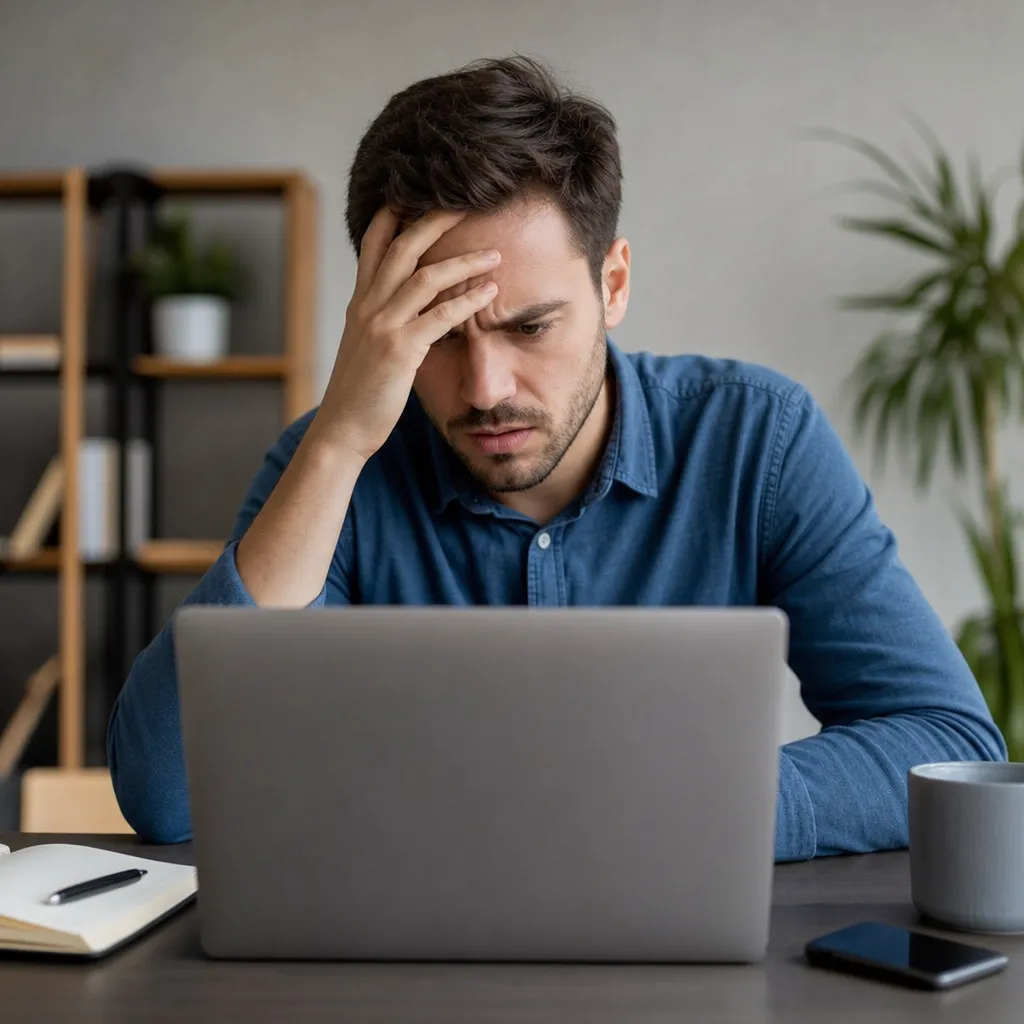
Your social network account has been hacked and you are scared. Do not panic as it is possible to regain access and protect your personal data with the right actions.

Social Guru
Trek Mobi Connect
Millions of people face this problem every year, but most do not know exactly where to start.The process of recovering a hacked social network account requires calm, specific methods and, above all, speed to prevent further damage to your privacy and online reputation.
Identify Signs Your Account Has Been Hacked
Before you start the recovery process, you need to make sure that your account has actually been compromised.A hacker may have accessed your account if you receive notifications of activities you have not performed, such as logins from unknown locations or password changes you have not made. Also be aware if your friends report strange messages coming from your account or if your bio has changed.
Other signs include the inability to log in with your usual password, even when you are sure you are typing correctly. You may also notice that your two-factor data has been removed or that your recovery email has been changed without your authorization. Check your security settings regularly to identify any suspicious changes immediately.
Immediate Steps to Recover Your Account
The first step is to try to access the account recovery option offered by the social networking platform. In most cases, you will find a link such as "Forgot your password?" or "Can't access your account?" on the login page. Click on this link and follow the instructions provided by the platform, which usually involves confirming your identity through a registered email or phone number.
If you still have access to the email linked to your account, check your inbox for recovery messages.Social networking platforms send special links that allow you to reset your password and regain control of the account.Search for emails from addresses like noreply@instagram.com, noreply@facebook.com, or similar, depending on the platform you use.
If the recovery email has been changed by the hacker, you will have a greater challenge. In this situation, look for a "support" or "report a security problem" option within the platform. Some social networks offer specific forms for hacking cases that do not require access to the registered email.
Use Two-Factor Authentication and Alternative Data
Many social networking platforms allow you to recover your account using alternative methods if the primary email is not available. If you have registered a phone number in your account, the platform can send an SMS verification code to that number. Enter the code and you can reset your password and regain access.
If you enabled two-factor authentication with an app like Google Authenticator or Authy before the hack, this can be a significant advantage.Some hackers can access your password but cannot bypass the additional layer of security provided by these apps.Search for the option to use backup codes you should have received when you set up two-factor authentication.
Store these backup codes in a secure location, such as a password manager or even a sheet of paper stored in a protected location.When you are recovering a hacked account, these codes can be the difference between regaining access quickly or spending weeks trying to resolve the issue.
Contact Social Network Platform Support
If the automatic methods do not work, you will need to contact social media support directly. Go to the official website of the platform and look for options such as "Help Center", "Customer support" or "Report a problem". Clearly describe that your account has been hacked, that you have tried to use the automatic recovery option and that you need expert assistance.
Prepare the information that the support team is likely to ask for. You should have your username, the email you used, the account creation date approximately, and any additional information that proves you are the legitimate owner of the account. The more details you provide, the easier it will be for the support team to verify your identity and help you.
Most important platforms respond to these requests within a few business days, although this time may vary. Keep your support mail logs and check your spam box or suggestion folders, as sometimes replies end up in these locations by mistake.
Protect Your Related Accounts and Personal Data
While you work to recover your hacked account, the hacker can use this information to access your other accounts. If you used the same password across multiple platforms, start changing the passwords of all your other accounts immediately. Log in to your personal email account, banking platforms, shopping accounts, and any other important account you may have.
Check for unauthorized delivery addresses or payment information on your online shopping accounts. Hackers often use compromised accounts to make fraudulent purchases or sales.If you encounter unauthorized activity, cancel these orders immediately and notify the website or online store of the fraud.
Also review your privacy settings on all your social media accounts, even those you are sure have not been compromised.A hacker can gain access to your personal data through a hacked account and use it for malicious purposes on other platforms.
Clean Your Device of Malware and Infections
Often, social network accounts are hacked because your computer or mobile phone is infected with malware. A malicious program can log your keyboard presses or capture your screen, allowing criminals to see your passwords.
Download a reliable antivirus program like Malwarebytes, Windows Defender or similar depending on your operating system. Run a full scan of your computer and let the program remove any threat it encounters. For mobile devices, you can use security applications available in your app store, or simply do a factory reset if you suspect a serious infection.
After removing the malware, set your passwords only from the clean devices. If you changed your passwords while the device was still infected, these new passwords may also be compromised. Cleaning up the malware is an essential step that many users neglect, leading to multiple account compromises.
Create a Strong and Unique Password
When you finally regain access to your account, the first thing to do is change your password. Your new password should be very different from the previous one, especially if you think that the previous one was discovered by brute force or by common hacking techniques. A strong password should be at least 16 characters long, include uppercase, lowercase letters, numbers and special symbols.
Avoid using personal information such as pet names, birth dates, or family names, as this information may be available on social networks or in leaked databases. Also do not reuse passwords you have already used on other accounts, as if an account is hacked, all your accounts are at risk. Consider using a password manager such as Bitwarden, 1Password, or LastPass to generate and store complex passwords securely.
Test your new password a few times before logging out of your account to ensure you typed correctly. Nothing is more frustrating than resetting a complex password and then finding out that you cannot log in again because you made a typo.
Review Your Activities and Connected Apps
After recovering your account, you should review all applications and websites that are allowed to access it. Hackers often connect malicious or unauthorized applications to your account to maintain access or collect your data. Go to your privacy and security settings to view a list of connected applications and remove any that you do not recognize or no longer use.
Also check your "Login Places" or "Active sessions" to see which devices your account is currently accessed on. If you find logins in locations you don't recognize or on devices you don't own, log out of those sessions immediately. Most social networking platforms offer a button to log out of all sessions at once, which is a good security option.
Also review who is allowed to view your posts, photos, and personal information. Hackers may have changed their privacy settings to expose sensitive information. Set your account to "Private" if offered, and keep only your friends and trusted contacts in the list of people who can see your content.
Implement Permanent Security Measures
To prevent your account from being hacked again, you should implement multiple layers of security. Enable two-factor authentication (2FA) on all your important social network accounts.This method adds an extra layer of protection by requiring an additional code in addition to your password to log in. Even if someone discovers your password, they will not be able to access your account without this code.
Set up security alerts to receive notifications when someone tries to access your account from a new device or location. This functionality is available on virtually all major social networking platforms and helps you detect suspicious activity immediately.
Keep your software updated regularly, both on computers and mobile devices. Updates include security fixes that close the loopholes hackers use to infect your devices with malware. Turn on automatic updates whenever possible to ensure you always have the latest, most secure versions.
Monitor Your Identity and Personal Data
After a hack, your personal data may have been exposed or sold to criminals. You should monitor your identity regularly to detect any misuse. Sign up for a credit monitoring service or check your credit report for free on official websites in your region to detect accounts opened on your behalf.
Set up fraud alerts with your local credit bureau, which will notify you if someone tries to open accounts on your behalf. Regularly check your bank and credit card statements to detect unauthorized transactions.If you encounter fraud, notify your bank or credit card company immediately to avoid liability for fraudulent charges.
You can also use specialized services that monitor the dark web to verify that your personal data is being sold or used maliciously.These services alert you if your information appears in leaked databases, allowing you to take preventive measures before the damage occurs.
Differences Between Recovery by Platform
Each social networking platform has its own specific recovery process, and understanding these differences can speed up the process. On Facebook, you can use the "Can't access your account?" tool that offers several recovery options, including friend verification that can help confirm your identity. Instagram has a similar process, but also offers the option of identity photo verification in some cases.
Twitter allows you to recover your account via email or linked phone number, and offers specialized support options for hacking cases on your support page.TikTok has a quick recovery process if you have access to the registered email or phone number, but it can be slower if you do not have this information. LinkedIn offers a robust recovery process for professional accounts and allows you to keep an alternative recovery email on file.
The best strategy is to keep up-to-date records of all your recovery data on each platform before you need them. Write down your associated emails, phone numbers, and two-factor verification code in one secure place.When you understand how each platform works, getting your account back becomes a much simpler process.
FAQ & FAQs About Hacked Account Recovery
How long does it take to recover a hacked account? The time varies from platform to platform, but you can usually regain access between 24 hours and a few days.If you use automatic email or phone recovery methods, it can be almost instantaneous.If you need to contact support manually, the process can take a few business days depending on the volume of requests the company is receiving.
Can I recover messages and photos that have been deleted by the hacker? Unfortunately, there is no guarantee that you will be able to recover deleted content as it may have been permanently removed from the platform server.You can try to contact support and describe what has been lost, but the chances of recovery depend on the platform's data retention policy.Some hackers back up data before deleting them, so in extreme cases you can try to recover information through your own personal backup.
What to do if my account is still compromised even after changing the password? If you change your password and still can't access your account, it indicates that your device may still be infected with malware. Clean your computer or mobile phone completely, consider factory resetting on mobile devices if the infection is severe, and use another clean device to reset your password again. Also contact platform support if automatic methods continue to fail.
Is it safe to use the same password across multiple accounts? Absolutely not. Using the same password across multiple accounts is one of the biggest security vulnerabilities you can create. If a hacker gets your password on one platform, they will have automatic access to all your accounts.Use unique and complex passwords for each account, especially for important accounts like email, banking, and social networking.
Should I factory reset my phone after a hack? If you suspect malware on your phone, factory reset is the safest way to completely remove the infection. This will erase everything from the device, so back up your important data before. After reset, do not restore from a previous backup that may have been created while the malware was present.
How do I know if my WiFi connection has been compromised? If your WiFi connection has been compromised, a hacker can intercept all your internet traffic, including your passwords.Check the router to see if there are connected users you don't recognize, change the WiFi password, and consider using a VPN connection when accessing sensitive public network accounts.If you suspect serious compromise, reset the router to factory settings.
Do I need to warn my friends and contacts about the hack? Yes, it is a good practice to warn your contacts that your account has been hacked. This way, they will know that any suspicious message or post they received from you did not actually come from you. You can send a personal message or make a post when you regain access to your account explaining the situation.
How do I create a recovery email for my social media account? Most platforms offer secondary email or recovery options in their security settings. Go to their settings, look for the "Contact Information" or "Security" section, and add an alternate email and phone number. Make sure these alternate contacts are safe and that you have regular access to them.
What is the best way to store my passwords securely? Use a reputable password manager like Bitwarden, 1Password, LastPass or KeePass.These applications store your passwords in encrypted form and use a database that only you can access with a very strong master password. This is much safer than writing passwords on a paper or storing them in a text file on your computer.
Conclusion
Recovering a hacked social network account is a process that requires patience, quick action and knowledge of the correct steps. Starting by identifying the signs of hacking, going through the automatic methods of recovery and reaching out to the support of the platform, you have several options to regain access to your account. The key is to act fast to limit the damage and protect your other accounts before the hacker causes more problems.
Permanent security measures are even more important than the recovery process itself. Implementing two-factor authentication, using unique and complex passwords, keeping your devices free of malware, and monitoring your activities continuously will help you avoid future compromises.Because security is an ongoing process, not a one-time action, and investing time in securing your accounts now will save you a lot of headache in the future.
If you are going through this situation right now, know that you are not alone and that most hacked accounts can be successfully recovered. Follow the steps outlined in this article, be patient with the recovery process, and use this negative experience as an opportunity to strengthen your online security defenses.Your social network accounts contain valuable personal information, so protecting them deserves your time and attention.


