
Keeping your car in good condition is critical to vehicle safety and longevity.Modern technology puts powerful tools in your hands to diagnose problems before they become costly.

Car Scanner ELM OBD2
CAR SCANNER LLC
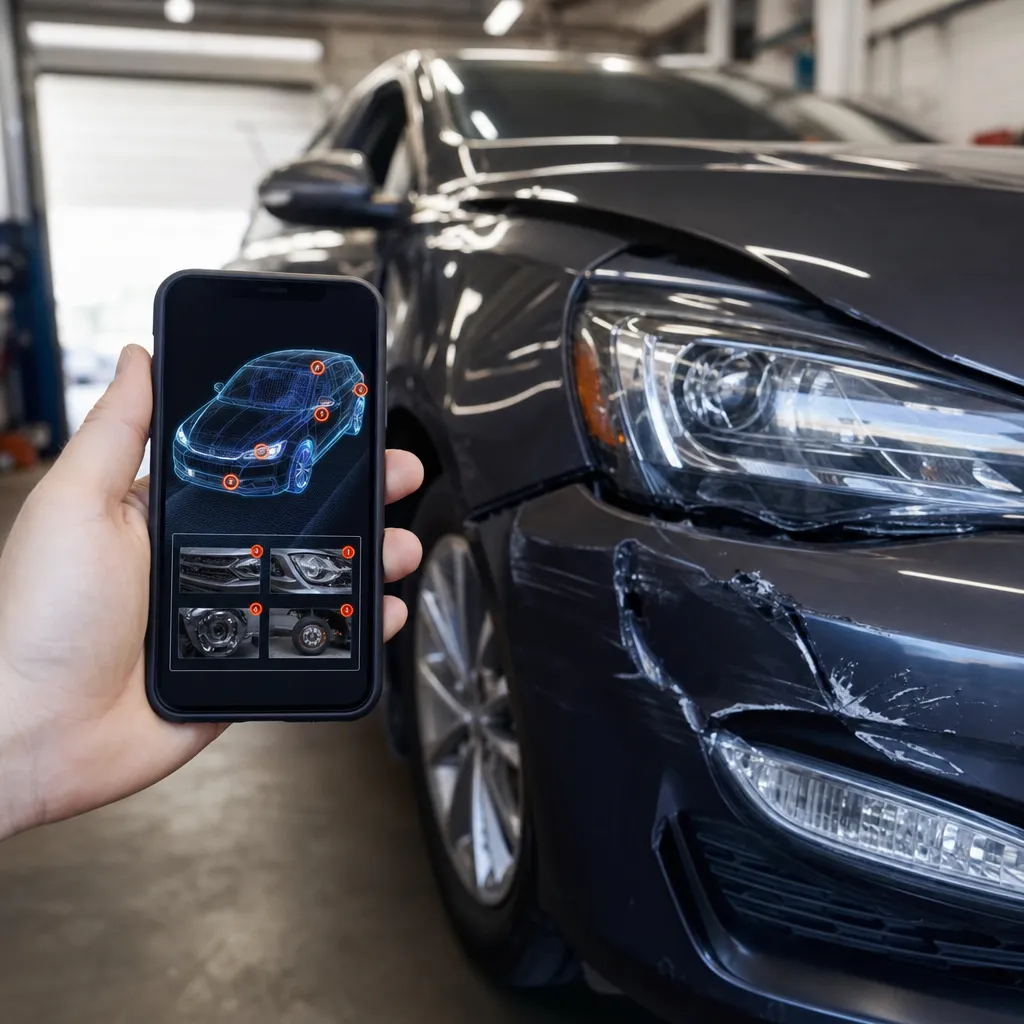
Defect scanner apps for cars have revolutionized the way owners monitor the mechanical health of their vehicles directly from their mobile phone. With a simple touch of the screen, you access diagnostics that once required an expensive visit to the mechanic.
How Automotive Defect Scanners Work
The scanners applications work by connecting to the diagnostic system of your car through a Bluetooth adapter that connects to the vehicle's OBD-II port. This port, mandatory in all cars manufactured after 1996, constantly communicates with the on-board computer that monitors hundreds of parameters of engine operation and auxiliary systems. When you open the application, it establishes communication with this computer and reads the stored fault codes, translating technical information into language understandable to you.
The process is surprisingly simple: you buy or rent a good quality OBD-II Bluetooth adapter, connect it to the port usually located under the driver's instrument panel, pair with your mobile phone via Bluetooth, and open the application. In seconds, you receive a complete diagnosis including specific error codes, fault intensity and action recommendations.Many advanced applications offer reading history, allowing you to track problems over time.
The real innovation of these applications lies in the ability to process data in real time, monitoring dynamic parameters while you drive.This means that you can capture information about intermittent problems that arise only under certain operating conditions, such as strong acceleration or air conditioning overload.
Advanced Strategies to Maximize Use of Automotive Scanner
To extract maximum value from a defect scanner application, you need to take sophisticated approaches that go beyond simple basic diagnostics.Many users limit themselves to checking for errors when the check engine light comes on, but experienced owners use these tools preventively and strategically to significantly save on maintenance.
The first advanced strategy is to establish a schedule of regular preventive diagnostics, even when no warning light is turned on. Perform a full reading every two thousand kilometers or monthly, creating a historical database of all the parameters of your car. This practice allows you to identify worrying trends before they turn into complete failures. For example, you may notice that the engine temperature is gradually increasing or that fuel consumption is worsening, signs that something is starting to fail.
The second strategy involves learning to interpret the real-time parameters monitored by the app during normal driving.Data such as fuel pressure, water temperature, engine idling, and reading specific sensors reveal the true health of the vehicle. You can drive normally while the app records these values, comparing them to the standard parameters for your specific car model.
Third, optimize the use of different visualization modes offered by premium applications.Many allow real-time graphics, structured data tables, and custom alerts for values that go outside acceptable limits.Set alerts so you can be notified when critical parameters reach worrisome levels, even before a failure fully manifests.
Technical Optimizations for Better Diagnostic Performance
The quality of the OBD-II adapter you choose dramatically impacts diagnostic accuracy and speed.Invest in a recognized brand adapter with support for multiple communication protocols, not just the basic protocol.Low quality adapters often provide inaccurate readings or unstable connections that result in incomplete or incorrect diagnoses.
Another essential optimization is to keep your phone properly configured for maximum compatibility and performance. Make sure that Bluetooth is always enabled and that the adapter pairing range is sufficient for your specific OBD-II port. Periodically clean the cache and data of the scanner app to maintain operating speed, as bloated apps with excessive history tend to slow down. Consider using a dedicated phone or an old tablet exclusively for diagnostics, avoiding interference from other apps running in the background.
The correct configuration of the application for your specific vehicle is fundamental for absolute accuracy.Many applications allow you to select the make, model, year of manufacture and even the type of engine of your car. This specification ensures that the data is compared with the correct parameters for your particular configuration. A car with a turbo engine, for example, will have completely different parameters from an atmospheric car of the same brand.
Finally, establish a routine backup of your diagnostic data, especially your reading history.Many applications offer PDF export or cloud synchronization, allowing you to keep a permanent record that can be crucial if you need to negotiate with a mechanic or during the sale of the vehicle.
Types of Defects that the Scanner Can Automatically Detect
Modern scanners can detect an impressive range of defects, from simple problems to complex electronic control system failures. Ignition system-related errors, such as worn spark plugs or faulty coils, are easily identified through specific codes that the application interprets immediately.
Fuel system problems are also easily detected, including clogged fuel filter, improperly functioning fuel pump, and malfunctioning oxygen sensors.The emissions system, which controls how exhaust gases are processed, generates very specific codes when sensors or components fail. This is particularly important because emission problems directly affect engine performance and fuel efficiency.
Failures in the automatic transmission system clearly appear in the diagnosis, as well as problems in the cooling system, oil pressure, battery and alternator. Some more advanced applications can even detect preliminary problems in anti-brake systems, traction control, and even electronic suspension in modern cars. The detection capacity depends on the sophistication of the adapter and the application used.
What makes this revolutionary is that many of these problems, when detected early through regular diagnostics, can be solved with simple and cost-effective preventive maintenance, avoiding catastrophic failures that would leave you in the hand and result in much higher repair bills.
Comparing Different Apps and Adapters Available in the Market
The market offers several application options, from the free ones with basic functionalities to premium versions with advanced analysis features. The free applications like Torque Lite and OBD Fusion provide fault code reading and basic parameter monitoring, being sufficient for most users who just want to diagnose simple problems.However, they often feature less intuitive interface and limited number of features.
Paid apps like Torque Pro and DashCommand offer customizable dashboards, more advanced real-time graphics, custom alert creation, and a much more professional interface.These apps often have active user communities where you can find code interpretations that are very specific to your car model. The difference in user experience is significant, and the cost is often paid for through savings in paid diagnostics to workshops.
Regarding adapters, you can find from basic models for twenty reais to premium adapters for a few cents. Basic adapters work only with simple protocols and feature unstable connection.Middle quality adapters support multiple protocols and offer more stable connection, while premium adapters include features such as hidden problem diagnosis, reading and deleting more complex codes, and even reading data from multiple car modules simultaneously.For most owners, a medium quality adapter with a premium application offers the best cost-benefit ratio.
Practical Steps to Using Your Scanner for the First Time
Getting started with a scanner app is extremely simple, but doing it right ensures accurate results from the first diagnosis.First, locate the OBD-II port on your car, which is usually under the driver's side panel, sometimes covered by a small plastic panel that you easily remove by hand.
Second, connect the Bluetooth adapter tightly to the OBD-II port, ensuring it is well-fitted, as a loose connection will result in incomplete or erratic reading.The adapter may have a small indicator light that will flash when you are trying to establish communication. Wait a few seconds for it to boot completely.
Third, turn on Bluetooth on your phone and look for the adapter device in the Bluetooth settings. The device name varies depending on the adapter model, but usually contains words such as OBD, ELM, or Bluetooth. Pair the device by entering the default password if prompted, which is often 1234 or 0000.
Fourth, open the application you have chosen and allow it to automatically search for the OBD-II adapter. Once found, the application will prompt you to identify your vehicle. Accurately enter the make, model, year and engine type, as this data determines the comparison parameters for the diagnosis. After this initial configuration, the application will automatically read all the fault codes stored on your car's computer.
Finally, review the results calmly. The codes will appear with a clear language description, often accompanied by a level of severity. Write down any fault code found for future references and consider searching the forums of car owners identical to yours to understand the specific meaning of that code in your model.
Frequently Asked Questions about Automotive Defect Scanners Applications
Users often ask if using a scanner can damage the car's computer, but the answer is no, you are just reading information, not changing anything. The OBD-II adapter establishes only a passive data connection with the vehicle system, without sending commands that could harm components.
Another common question is whether the scanner can detect all car problems automatically, and the answer is nuanced. It detects faults related to electronic systems constantly monitored by the on-board computer, but does not detect purely mechanical problems that do not generate electronic signals. A worn distribution current, for example, does not generate a specific fault code until the situation worsens greatly.
Many homeowners ask if they need to disconnect the battery to clean fault codes, but with a good quality scanner and adapter app, you can erase codes directly without disconnecting the battery.However, if the problem that caused the code has not been solved, it will reappear immediately or soon.
The compatibility issue also often arises, especially in relation to very old or very new cars. Cars prior to 1996 do not have a standardized OBD-II port, so they do not work with these adapters.Some very new cars, especially from premium brands, may have proprietary systems that limit access to complete information through generic adapters, requiring diagnostics in authorized workshops.
Users also question whether an adapter is safe to leave constantly connected to the car, and the answer is yes, as long as it does not interfere with driving performance.Many owners leave the adapter permanently connected for continuous monitoring, despite this consuming a minimum amount of battery power during the car's rest period.
Finally, owners often ask what the accuracy of these applications is compared to professional diagnostics in workshops. The truth is that OBD-II-based applications read the same codes as professional diagnostic equipment, so the accuracy is identical in this regard.However, a qualified mechanic uses experience to interpret these codes in the context of the vehicle history and specific symptoms you report.
Conclusion: Taking Control of Your Vehicle's Health
A car defect scanner app puts you in control of your vehicle maintenance, turning you from a passive owner into an informed decision maker.By implementing the advanced strategies and technical optimizations discussed in this article, you can spot problems early, save significantly on maintenance, and avoid situations where your car becomes completely inoperable.
Investment in a medium quality adapter and a premium app pays for itself the first time you detect and solve a problem before it becomes an expensive emergency. You gain transparency about the true state of your vehicle and manage to have informed conversations with mechanics, knowing exactly what fault codes your car presents. Most importantly, continuous monitoring through regular diagnostics significantly extends the life of your car, keeping it operating at maximum efficiency. The technology that was once exclusive to professional workshops is now within the reach of any owner who wishes to responsibly take care of their automotive investment.


