
Controlling children's access to the iPhone is a growing challenge for modern parents. Fortunately, there are free apps and native iOS features that offer robust and easy-to-implement solutions.

Dual Chat Web QR Scanner
G.K. Apps Studio
If you're looking to protect your kids from inappropriate content while maintaining device freedom, this guide introduces advanced parental control strategies that go beyond basic settings, combining native iPhone tools with free companion apps for maximum effectiveness.
Understand the iOS Parental Control Ecosystem
The iPhone offers an integrated parental control system called Screen Time, which acts as the fundamental basis for any protection strategy. This feature is not only a simple app blocking tool, but a complete environment that allows you to set time limits, restrict content, control purchases and monitor activities. You access this functionality through the iPhone Settings, where you can create specific restrictions for different periods of the day.
Screen Time uses a 4-digit PIN to prevent children from disabling restrictions without your permission.This PIN should be distinct from the device password, creating an additional layer of security that many parents do not implement correctly.The biggest advantage of this integrated approach is that it does not require third-party application installation, keeping the iPhone clean and optimized while providing robust protection.
Advanced Screen Time Setup for Maximum Protection
To implement an effective strategy, you must first access the Settings, select Screen Time and enable the option "Use Screen Time code". This step is critical because without a set code, anyone with access to the iPhone can disable the restrictions in a few minutes. The code should be memorized only by you, not shared with the child, and changed periodically to maintain security.
Within the advanced settings, you find the section "Content Restrictions and Privacy", where you can block category-specific applications. For example, you can prohibit the installation of social networks while allowing educational games, or block all in-app purchases without your explicit approval. This granularity offers precisely calibrated control to the development of the child, avoiding both overprotection and lack of vigilance.
Advanced optimization involves using the "Downtime" feature, which disables all apps except those allowed at specific times. Set this for study periods, meals, and before bed, ensuring that your child is not interrupted by notifications while on important activities. This method is psychologically more effective than simply limiting time, as it creates clear boundaries on when use is appropriate.
Complementary Free Apps for Advanced Monitoring
While Screen Time offers robust restrictions, complimentary free apps provide additional layers of monitoring and intelligence. Google Family Link is a free solution that syncs with Android devices and offers insights into usage patterns even on iPhones.It allows you to see which apps your child is using, for how long, and restrict remotely without being physically close to the iPhone.
Another alternative is to use the built-in iCloud Family Sharing, which allows you to monitor the activity of purchases and downloads, as well as share location in real time. This feature is native and does not require additional app, integrating perfectly with your existing iPhone settings. You receive notifications whenever your child tries to buy something, allowing remote approval or instant lock.
For even more robust protection, apps like Norton Family and Bark offer free versions with social media monitoring, message analysis for signs of bullying or inappropriate contact, and detailed reports on online activity.Although they are freemium, the free basic tiers cover most of the needs of an average family, with premium available only if you want more detailed reports.
Optimized Content Filter Strategies
The iOS content filter classifies websites and apps into categories based on their content. You can selectively block pornography, violence, adult language, gambling, and shopping by adapting restrictions as your child grows and their needs evolve. Strategic optimization involves not blocking everything indiscriminately, but rather creating a balanced profile that allows learning while protecting against genuinely harmful content.
An advanced approach uses "Supervised Mode" in combination with whitelists rather than blacklists. Instead of blocking hundreds of inappropriate websites, you approve a small list of safe educational sites that your child can access. This is particularly effective for children under 10, offering full transparency and control without requiring constant passive monitoring.
You can also utilize the advanced DNS capabilities of iOS by switching the default DNS to one that filters content automatically. Services like OpenDNS FamilyShield support filters by category and work at the network level, protecting the iPhone even when connected to third-party WiFi. This additional layer is invisible to the child and virtually impossible to bypass without advanced technical knowledge.
Location Management and Privacy Safely
Location sharing is a legitimate concern for parents of older children. The built-in Find My app lets you locate your child in real time, but you should optimize this functionality while respecting privacy as age increases.For teens, make explicit agreements about when and why you will check their location, avoiding obsessive monitoring that damages trust.
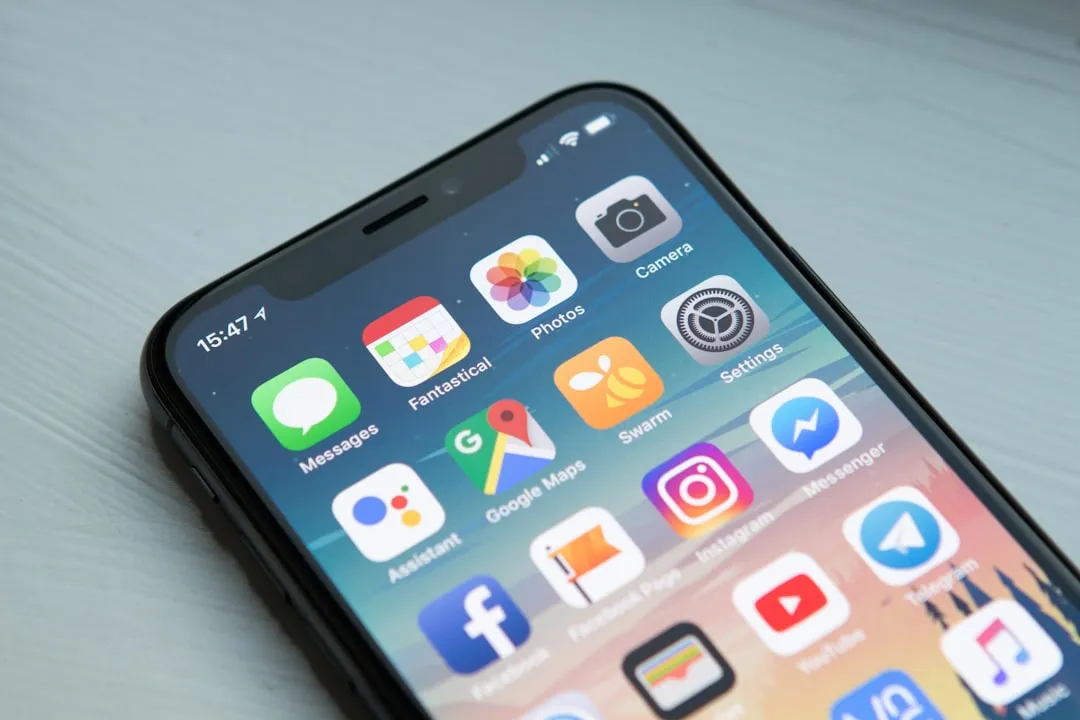
Set up arrival and departure notifications from specific locations such as school or friends house. Thus, you receive automatic alerts when your child arrives at planned destinations, without the need to constantly check. This approach offers security without perceived intrusion, while maintaining autonomy while offering reassurance to parents.
For younger children, turn off location permissions for non-essential apps, allowing access only to Maps and messages. This prevents social networks and other apps from collecting location data constantly, a privacy concern that merely goes beyond parental control.
Child Account Creation with Optimized Restrictions
If you are setting up a new iPhone for a child, create a separate Apple account under your familiar Apple ID instead of using a full separate account. This method links the device to your parental control, allowing remote management and automatic synchronization of restrictions between your devices.The child will not need to memorize complex passwords, reducing frustrations while you maintain full control.
Set up your account to require your explicit approval for app downloads, purchases, and iOS updates. You will receive notifications and can approve or reject requests remotely, creating opportunities for constructive dialogue about why you want a specific app.
Enable automatic backups via iCloud configured specifically for the child account. This gives you peace of mind that important data is preserved without requiring the child to know how to manage backups.If the iPhone is lost or damaged, you can restore everything with one click, preventing data loss and allowing quick migration to a new device.
Intelligent Monitoring of Notifications and Communications
Notifications are powerful psychological triggers that keep kids constantly engaged with apps. Set up iOS notification manager to allow only alerts from educational apps during school hours, while blocking social networks and games. This optimization dramatically reduces attention fragility without requiring total banning of apps.
For communications, use the Messages app integrated with automatically enabled unknown filter notifications. This blocks messages from unverified contacts, protecting your child from online predators while allowing natural communication with friends and family. You can periodically review messages from unknowns blocked without excessive invasion of privacy.
Implement explicit favorite contacts for FaceTime and calls, enabling the restriction that only allowed contacts can initiate communications. For younger children, this eliminates the possibility of receiving calls from strangers, a common vector of online harassment.The child can still make calls to anyone, but receives calls only from approved contacts.
Balancing Protection with Trust and Autonomy
An advanced parental control strategy is not just about technology, but about the philosophy of how you manage a child's gradual transition to responsible digital autonomy. Rather than maintaining identical restrictions from age 8 to 16, implement a "gradual escalation" system where restrictions decrease as the child demonstrates maturity.
Communicate clearly about the reasons behind the restrictions, explaining that you are protecting against harmful content, not against freedom in general. Teens are more likely to respect boundaries they understand and morally agree on, than simply tolerate imposed restrictions.
Model healthy digital behavior yourself, demonstrating that adults also use screen time limits, do not shop impulsively in apps, and maintain personal privacy.When children see their parents practicing the same restrictions they preach, it significantly increases the acceptance and effectiveness of family technology use policies.
Periodic Maintenance and Continuous Adaptation
Effective parental control is not a "set up and forget" once. You should revisit the settings every three months, adjusting as your child grows, technology evolves, and new threats emerge online.New apps appear constantly, some with problematic content that did not exist when you last set up restrictions, so continuous surveillance is essential.
Implement a system where you and your child together review Screen Time reports monthly. Analyze which apps consume the most time, whether there are worrying patterns of nighttime use, and what could improve. This joint exercise turns parental control from covert surveillance into an opportunity for dialogue, strengthening relationships while maintaining security.
Stay up to date on new iOS features released regularly.Apple often adds privacy and security features that can increase your protection capability with zero additional effort.Participate time annually to explore new settings, testing those that add value to your specific parental control approach as your child develops.


