
Alexa is a smart voice assistant that transforms the way you interact with your phone. With just a voice command, you control your device, access information, manage tasks and automate day-to-day routines.

Voice Command, Setup for Alex+
MAPLE LABS CO., LTD
Having a smart assistant on mobile is no longer a luxury, but a practical necessity for those seeking productivity and practicality. Alexa offers an experience that goes beyond traditional apps, allowing you to keep your hands free and your mind focused on what really matters.
How to Use Alexa on Your Phone
To start using Alexa on mobile, you need to download the official Amazon app from your app store. The process is simple: install, log in with your Amazon account and set up the basic microphone and device access permissions.
Setup takes just a few minutes and offers several customization options. You can choose the type of response you want (text, voice, or both), set your location to get localized information, and connect your accounts from other services like Spotify, Netflix, and various other platforms.
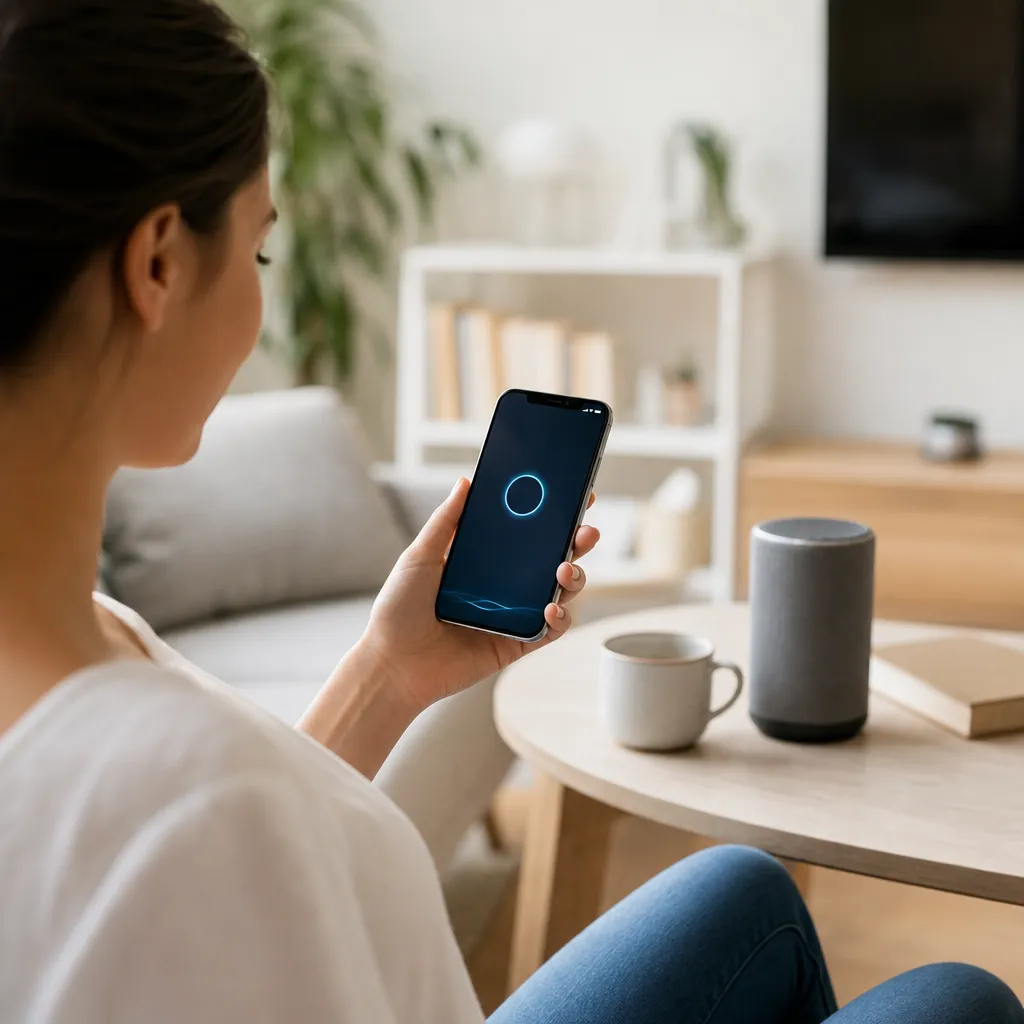
Once configured, activation is done by a simple touch on the screen or by the voice command "Alexa". The application offers an intuitive interface with large and clear buttons, even for users who are not familiar with technology. The microphone bar is always visible at the bottom, facilitating quick access to commands.
Smart Assistant Key Features
Alexa on mobile offers an impressive array of features that meet different needs of your day to day. You can ask for weather information, translations, quick calculations, currency quotes and just about any data that is available on the internet. This feature turns your mobile into a much more natural conversational search tool than typing questions.
Smart home control is another important highlight of this smart assistant.If you have compatible devices in your home, such as smart lamps, thermostats, cameras and speakers, Alexa allows you to control everything by mobile. You can turn off the lights in the room, adjust the temperature or check security cameras only with a voice command, even when you are out of the house.
Task management and reminders are also core Alexa features. You can create shopping lists, set alarms, schedule reminders for important meetings, or simply tell the smart assistant to remind you to call someone. These tasks are synced to your Amazon account, so you access them on multiple devices simultaneously.
Integration with music services and podcasts makes Alexa a constant companion.You order the assistant to play your favorite playlist, search for a specific podcast or ask for recommendations based on your musical taste. Playback quality is excellent when connected to a good audio system on your mobile.
Real Use Cases: Practical Scenarios in the Day to Day
Consider the case of a health professional working irregular shifts. Upon waking up, he says "Alexa, what is my schedule today" and the smart assistant reads his calendar as he prepares. On the way to work, he asks to play a concentration playlist and, upon arriving at the hospital, uses Alexa to create a quick list of tasks that he needs to complete during the shift. During lunch, he controls the lights of his house remotely and checks the security camera to ensure that everything is okay. This scenario demonstrates how Alexa naturally integrates into a demanding professional routine.
A mother who cares for young children finds enormous value in having her hands free while doing household chores. While she makes breakfast, she asks the intelligent assistant about recipes, asks to play a children's song for the children to dance to, and creates a reminder to buy specific supermarket items. When a child hurts his knee, she quickly asks Alexa for recommended first aid.This example shows how Alexa offers practical support in situations where typing on a mobile phone would be difficult or impractical.
A college student uses the smart assistant to manage his academic life more efficiently. It creates alarms to wake up at class time, sets reminders for assignment due dates and asks Alexa to quickly search for information for his studies. During the library, instead of typing searches on his mobile phone, he whispers commands to Alexa and receives answers in real time.In addition, it uses the lists functionality to track books he needs to read and topics he should review.
A home automation and technology enthusiast finds Alexa the perfect solution to centralize the control of their devices. Upon arriving home, he says "Alexa, I'm coming" and the smart assistant triggers a routine that turns on the lights, adjusts the air conditioning and plays ambient music. When leaving home, it activates the "outside" mode that activates security cameras and sends alerts to the mobile phone. This case demonstrates the potential for advanced customization available to more technical users.
An executive who travels frequently appreciates how Alexa keeps his information synchronized anywhere.In different hotels, he accesses his meeting calendar, confirms appointments with clients and manages his communication through the intelligent assistant.He also uses the translation functionality to communicate in different languages during international trips. This scenario illustrates how Alexa works as a true assistant, accompanying professionals in constant motion.
Integrations that Extend Functionalities
Alexa's true strength as a smart assistant on mobile lies in its integration capabilities with other services.Amazon offers connection to hundreds of applications and platforms, from delivery services to banks and streaming platforms.These integrations allow you to control virtually any aspect of your digital life through simple voice commands.
Shopping services are especially useful when integrated with Alexa. You can add products to the Amazon cart just by talking, which significantly streamlines the buying process.Some retailers also allow you to order through the smart assistant, making the experience even more convenient.This functionality is particularly valuable when your hands are busy or when you need to shop quickly.
Food delivery platforms work seamlessly with Alexa, allowing you to order your favorite meal without opening multiple apps. The smart assistant can query your previous preferences, suggest new dishes based on your history, and complete the order in seconds.This type of integration saves you precious time and reduces the amount of apps you need to manage on your mobile.
Banks and financial services also integrate with Alexa, enabling you to check balances, transfer money and monitor transactions. While the most sensitive operations often require additional authentication for security, simple queries can be made with just a voice command.
Advanced Configuration and Customization
After setting up the basics, you can delve into customizing Alexa so that it works exactly as you want. Creating routines is one of the most powerful features available, allowing multiple actions to occur with a single command. For example, a morning routine can turn off the alarm, ask for a summary of the news, turn on the lights in the house and play your favorite music, all when you say "Alexa, good morning".
Smart lists sync across devices, ensuring your notes, reminders, and purchase items are always up to date. You create a list on your phone and view it on other Amazon devices you own, such as Echo Dots or tablets.
Privacy control is extremely important when using a smart assistant on your phone. Alexa offers detailed settings where you control what data is stored, how the wizard handles personal information, and what permissions the built-in apps have. Reviewing these settings periodically ensures that your privacy is maintained at a comfortable level.
Interaction styles can be adjusted to your personal preferences. Some users prefer quick and direct responses, while others like longer and more informative interactions. Alexa allows you to configure the tone of voice, speech speed and even the type of information you provide in the responses. These customizations make the smart assistant truly yours, tailored to your unique style.
Practical Tips to Maximize Alexa Use
Start by exploring basic commands and gradually expand your knowledge of use. Many users use only a fraction of the available capabilities simply because they do not know the full range of possible commands. Take time to test different commands and find out which ones integrate best into your workflow and daily routine.
Use groups of devices if you have multiple devices with Alexa. When creating a group of rooms, you can control several devices simultaneously with a single command. For example, saying "Alexa, turn off the lights in every house" is faster and more practical than giving individual commands to each room. This functionality is especially valuable for larger homes or families sharing devices.
Explore the skills available in the Alexa store, which act as apps for the smart assistant. There are thousands of skills offering features from guided meditation to game simulations and access to expert information. Many are free and can add completely new dimensions to the way you interact with your mobile and other devices.
Alexa can detect when you get home or leave work by triggering automatic actions appropriate to each situation.This contextual intelligence turns the assistant into a truly intelligent system that learns and adapts to your living standards.
Keep your passwords and authentication data safe when using Alexa. While the wizard is convenient, never share verbally sensitive information in public places. Alexa records some interactions, so be aware of the context in which you are using the smart assistant and what kind of information you are sharing.
The Future of Smart Assistance on Mobile
Smart assistant technology continues to evolve rapidly, with Alexa on mobile becoming increasingly sophisticated. Future updates promise even better contextual understanding, multi-user recognition in the same home, and machine learning capabilities that will allow the assistant to anticipate your needs before you even make a request.
Integration with emerging technologies like augmented reality and internet of things will significantly expand the scope of what Alexa can do. Imagine using the smart assistant to visualize how furniture would look in your room before buying or controlling each device in your car during a commute.
Privacy and security will continue to be important topics as Alexa becomes more capable and ubiquitous.Amazon continually invests in encryption, data control, and transparency improvements in how user information is collected and used. Trust will be critical for this smart assistant to continue to be accepted by users at scale.
Developing better natural language understanding will allow for more natural and fluid conversations with the assistant. Currently, Alexa works well with structured commands, but the future promises interactions that more closely resemble real conversations with a human assistant.
Having a smart assistant on mobile will fundamentally change how you work, interact with technology and manage your daily life. Alexa currently offers an impressive set of features that improve productivity, increase convenience and simplify routine tasks. By investing time in learning how to use the platform properly and explore its capabilities, you will discover a new level of efficiency in your personal and professional life.The journey with an intelligent assistant is continuous, always offering new ways to improve how you interact with the digital world.


